
Customising your Poly Edge E220 or E350 phone is quick and easy. To change your ringtone, go to the Settings menu, select Basic Settings, then choose Ringtone. Browse the available options and select the one you prefer.
To adjust the call or speaker volume, use the volume buttons on the side of your phone during a call or when the handset is idle. You can also go to Settings > Basic Settings > Audio Configuration for more precise volume control.
With these simple steps, you can personalise your Poly Edge phone to suit your preferences and ensure you never miss an important call.

Related Articles

Are budget keyboards worth it?
Our Overall Thoughts I think there are a plethora of different options to go for when it comes to peripherals but not many good options when you are...
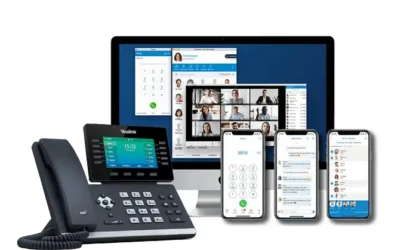
Do you need a cloud phone system for your business?
Why is a cloud phone system needed? Every business is unique, but one thing all businesses have in common is the need for effective, efficient and...

Yealink W73P and W73H DECT
We are pleased to announce that we will be bringing the new Yealink W73P and W73H DECT solution into our City Cloud Phone hardware portfolio on the...