
Customising your Poly Edge E220 or E350 phone is quick and easy. To change your ringtone, go to the Settings menu, select Basic Settings, then choose Ringtone. Browse the available options and select the one you prefer.
To adjust the call or speaker volume, use the volume buttons on the side of your phone during a call or when the handset is idle. You can also go to Settings > Basic Settings > Audio Configuration for more precise volume control.
With these simple steps, you can personalise your Poly Edge phone to suit your preferences and ensure you never miss an important call.

Related Articles
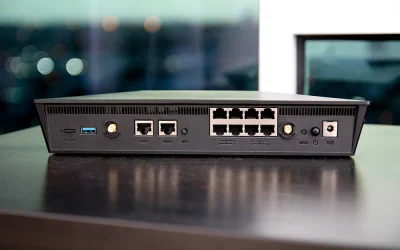
Number 1 Robust And Secure Business Broadband Nottingham
Business Broadband Nottingham Our business caters for businesses of all sizes across the whole of the UK. We have broadband products available for...

Microsoft Acquire Activision Blizzard in a $68.7 Billion cash deal
On Tuesday the 18th of January Microsoft announced that they will buy the video game giant Activision Blizzard allowing them to become one of the...

Apple release iCloud+ Private Relay Beta
iCloud Private Relay is new Privacy component for iOS devices. It’s in beta but you can try it now on any iOS device running iOS 15. Since Apple...